


Airbag light still on after an accident? We reset your original airbag module by mail — $54.99 + $23 shipping both ways (prepaid label emailed). Lifetime warranty.
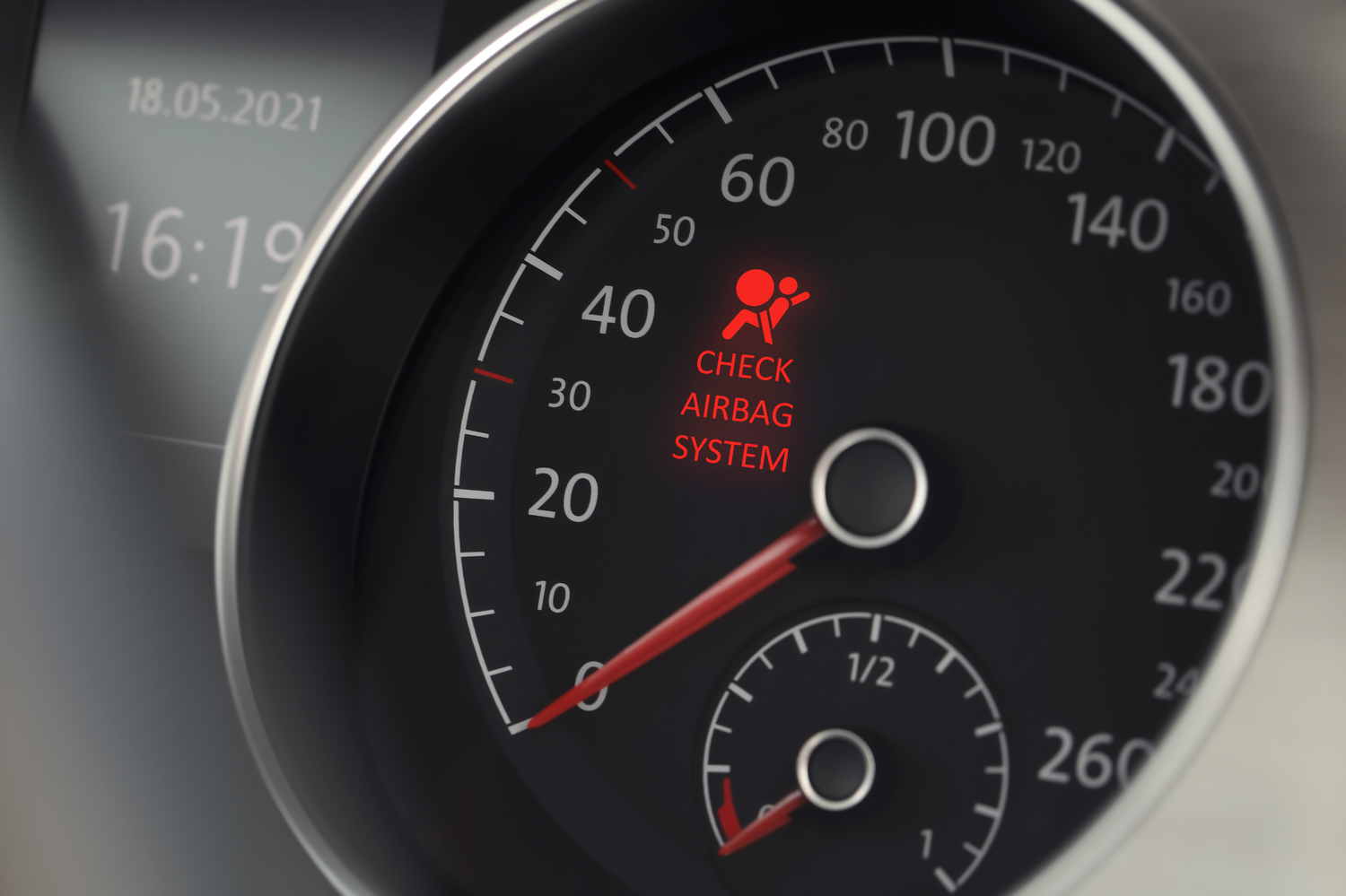
Start module reset →Quick Answer: On Ford and Mazda vehicles, code B1193 means "Crash Event Storage Full and Locked" - the airbag control module recorded a crash and locked itself, so the airbag light stays on and the system is disabled. This code will NOT clear with a scan tool (you get a "cannot execute routine" error). The only fixes are to replace the airbag control module or, far more affordable, mail it in to be reset to factory condition. A reset original module needs no reprogramming when reinstalled in the same vehicle.
If a scan of your Ford or Mazda returned airbag code B1193, and no diagnostic tool will clear it, you are not doing anything wrong - this code is designed not to erase. B1193 means the airbag control module has locked after a crash event, and it stays locked until the module is reset or replaced. This guide explains what B1193 means on a Ford, why it will not clear with a scanner, what causes it, and the two ways to actually fix it.
What Does Ford Code B1193 Mean?
B1193 is a body/SRS diagnostic trouble code most commonly seen on Ford and Mazda vehicles, defined as Crash Event Storage Full and Locked. The airbag control module (also called the ACM, SDM, or RCM on Fords) has a limited amount of internal memory reserved for recording crash events. When that storage fills and locks - typically after the vehicle has been in a collision - the module sets B1193, keeps the airbag warning light on, and disables the system.
In practical terms, B1193 is the module telling you: "I already recorded a crash, my memory is full, and I have locked myself for safety." Until that lock is cleared, the airbags and pretensioners will not deploy again.
Why Won't B1193 Clear With a Scan Tool?
This is the part that frustrates most people. Unlike a normal soft code, B1193 is a hard lock. When you try to erase it with a diagnostic scanner, the tool returns an error like "cannot execute routine." That is expected behavior, not a broken scanner.
The crash data is written into a locked section of the module's memory. A scan tool can read the code, but it cannot rewrite that protected memory. Clearing B1193 requires either replacing the module or physically resetting it at the circuit level - which is what a module reset service does. If your scanner keeps refusing to clear the code, that confirms B1193 rather than ruling it out.
What Causes the B1193 Code on a Ford?
B1193 is almost always tied to a crash event, but here are the specific triggers:
- A previous accident or collision: The most common cause by far. Even a moderate impact that deployed airbags, or in some cases a hard hit that did not, writes crash data and locks the module.
- A salvage or rebuilt vehicle: Cars bought after a prior accident frequently carry a locked module the buyer never knew about.
- Full crash event storage: The reserved memory has reached capacity and locked, so the module can no longer log or reset on its own.
- A used module from another crashed car: Installing a junkyard module that already has stored crash data brings the lock with it.
Note that B1193 is not usually a wiring or connector fault the way some airbag codes are. If the module is locked, chasing wiring will not clear it - the fix has to address the module's stored crash data.
How Do You Diagnose B1193?
Because B1193 points so directly at the module, diagnosis is mostly about confirming the code and ruling out companion faults:
- Scan the SRS system: Use an airbag-capable scan tool (a basic OBD-II reader usually will not show SRS codes) to confirm B1193 and note any additional codes.
- Confirm the clear attempt fails: Try to erase the code. A "cannot execute routine" response confirms the locked-storage condition.
- Check vehicle history: Look for evidence of a prior accident - deployed airbags, replaced trim, or a salvage title.
- Inspect for companion issues: If other codes are present (open or shorted circuits), address those separately, but B1193 itself is the module lock.
How Do You Fix and Clear Code B1193?
There are two real ways to resolve B1193, and only two:
Option 1: Replace the airbag control module
You can install a new module from the dealer or a used one from another vehicle. New modules are expensive and often require programming; used modules risk carrying their own stored crash data (and another B1193). Replacing the module typically runs $200 to $800 with parts and labor.
Option 2: Reset your original module (recommended)
The more affordable and reliable fix is to reset your existing module back to factory condition. Because it is your original unit going back into the same vehicle, no additional programming is needed - it simply works again. Our airbag module reset service clears the crash event storage and all stored codes, unlocks the module, and returns it ready to install, usually within 24 hours and backed by a lifetime warranty.
Whichever route you choose, the airbag light will only go out once the crash data is cleared - not from any amount of scanning.
Does B1193 Mean My Car Was in an Accident?
Usually, yes. B1193 is a strong indicator that the vehicle recorded a crash event at some point, even if you were not the one driving for it. This is especially common on used or salvage-title Fords and Mazdas, where the previous owner's accident left the module locked. If you just bought the car and found this code, that history is the most likely explanation - and a module reset restores the system without a costly dealer replacement.
Bottom Line: How to Handle a Ford B1193 Code
Ford and Mazda code B1193 means the airbag control module's crash event storage is full and locked, almost always from a prior accident. It will not clear with a scan tool - that is by design. Your two options are replacing the module or resetting your original, and resetting is the cheaper, no-programming fix.
That is our specialty. Mail us your locked module and we return it fully reset to factory condition, all crash data and codes cleared, with a lifetime warranty and 24-hour turnaround. Start your mail-in airbag module reset, browse our full range of SRS repair services, or contact our team if you want help confirming your module before you send it.


Leave a comment
This site is protected by hCaptcha and the hCaptcha Privacy Policy and Terms of Service apply.